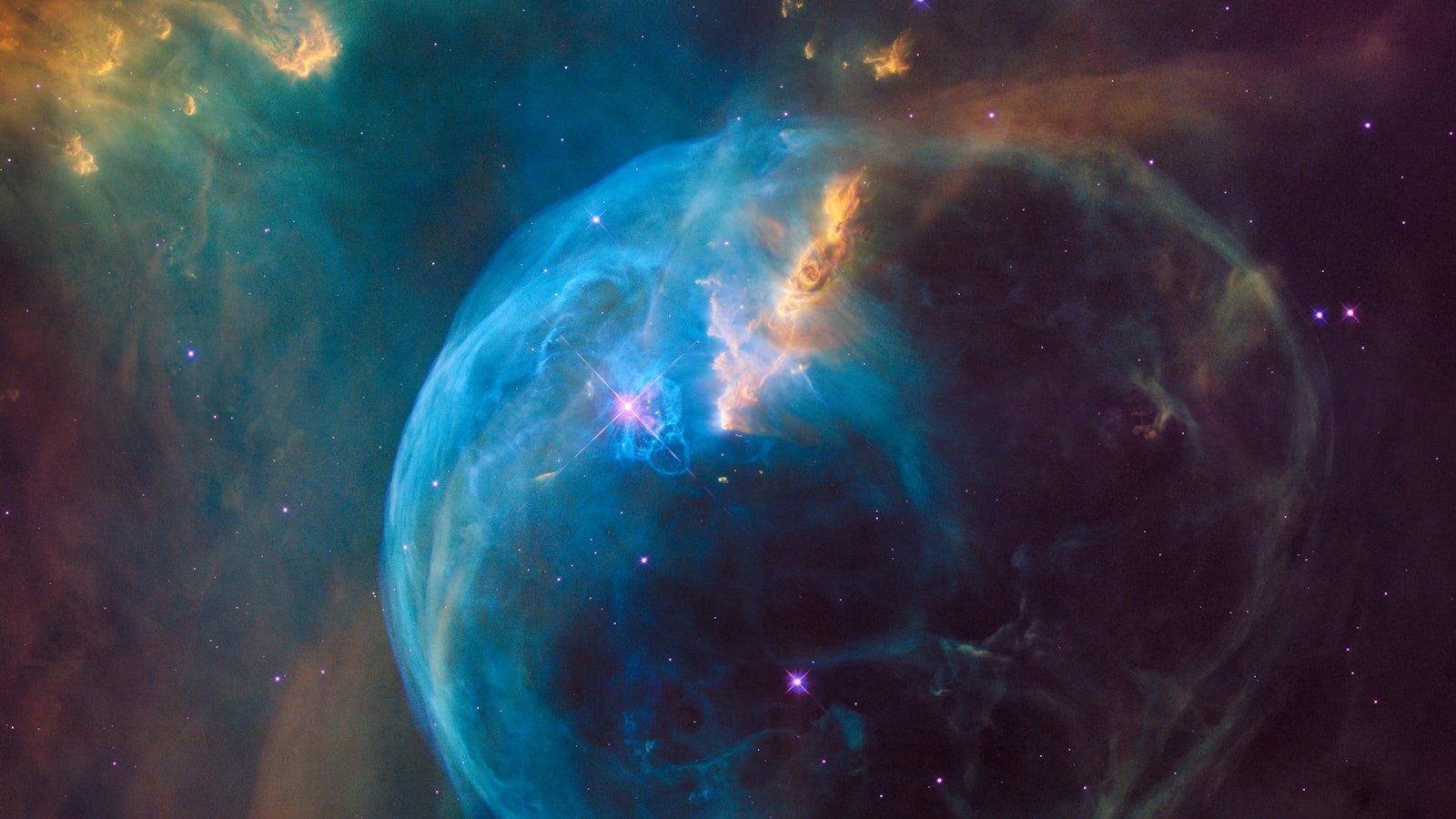
Image: NASA/ESA/CSA/STScI
James Webb Space Telescope images are everywhere — but the colours in them are not what you would see with your eyes. That does not make them "fake." It means the colours are translations of infrared light into a visible palette, and understanding how that translation works lets you read far more science out of every image.
This guide explains what NIRCam and MIRI actually detect, how the public-release colour schemes are built, and how to look at a Webb image and understand what physical information the colour represents.
What you are seeing
JWST observes in the infrared, from roughly 0.6 µm (the red edge of visible light) to 28.5 µm (deep mid-infrared). Human eyes cannot see wavelengths beyond about 0.7 µm, so every JWST image must be colour-mapped for us to interpret it visually.
The two primary imaging instruments are:
| Instrument | Wavelength range | Resolution | Primary use |
|---|---|---|---|
| NIRCam (Near-Infrared Camera) | 0.6–5.0 µm | Up to ~0.03 arcsec | Stars, galaxies, nebulae, exoplanet transits |
| MIRI (Mid-Infrared Instrument) | 5.0–28.5 µm | Up to ~0.11 arcsec at 5.6 µm | Dust, cooler objects, molecular features, distant galaxies |
NIRCam: the workhorse
NIRCam provides the sharpest images JWST can produce. It has two channels:
- Short-wavelength (0.6–2.3 µm)
- Long-wavelength (2.4–5.0 µm)
Both channels observe simultaneously through a dichroic beamsplitter, which means every NIRCam observation captures short- and long-wavelength data at the same time.
How NIRCam colour images are made
A typical NIRCam colour composite uses three or more narrow or wide filters, each assigned to a colour channel:
| Filter (example) | Wavelength | Assigned colour |
|---|---|---|
| F090W | 0.9 µm | Blue |
| F200W | 2.0 µm | Green |
| F444W | 4.4 µm | Red |
The convention is chromatic ordering: the shortest wavelength becomes blue, the longest becomes red. This preserves the relative spectral structure even though the absolute wavelengths are invisible to us.
What the colours mean physically
- Blue regions in a NIRCam image typically represent hotter stars or less dust-obscured areas (shorter infrared wavelengths penetrate less dust).
- Red regions represent cooler objects, more distant (redshifted) sources, or areas where longer-wavelength emission dominates — often warm dust or molecular hydrogen.
- Green is intermediate.
MIRI: the dust detector
MIRI operates at longer wavelengths where warm dust, polycyclic aromatic hydrocarbons (PAHs), and molecular features emit strongly. It is essential for studying:
- Star-forming regions obscured by dust
- Protoplanetary discs
- Atmospheres of planets and exoplanets
- The most distant, redshifted galaxies
MIRI images generally show fewer individual stars (because stellar light peaks at shorter wavelengths) and more structure in dust and gas.
MIRI colour composites
The same chromatic-ordering convention applies:
| Filter (example) | Wavelength | Assigned colour |
|---|---|---|
| F770W | 7.7 µm | Blue |
| F1130W | 11.3 µm | Green |
| F2100W | 21.0 µm | Red |
A "blue" region in a MIRI image is blue only because it is the shortest MIRI wavelength used — it is still deep infrared. Context matters.
Combined NIRCam + MIRI composites
Some of the most striking JWST images combine data from both instruments. For example, the Pillars of Creation release used NIRCam data to show stars and diffuse gas, and MIRI data to reveal dense dust structures that are opaque even at NIRCam wavelengths.
When you see a JWST image labelled "NIRCam + MIRI", expect:
- A wider wavelength range (0.6–28 µm)
- More complex colour assignments
- Sometimes a different colour palette than single-instrument images
Why the colours look "unreal"
- They are infrared. Your eyes cannot see these wavelengths, so any visual representation is a translation.
- Chromatic ordering is a convention. Assigning shorter → blue and longer → red is logical but arbitrary.
- Dynamic range compression. Astronomical images span enormous brightness ranges. Processing compresses this into something a screen can display.
- Saturation and contrast. Public releases are processed to be visually clear and scientifically informative, which sometimes produces vivid colours.
None of this makes the images "fake." The data is real. The colour is a tool for interpreting that data.
How to read JWST image credits
Every official JWST image includes a credit line. The standard format is:
NASA, ESA, CSA, STScI
Additional credits name the science team (PI and collaborators) and sometimes the image processor. The credit format matters because it tells you who funded, built, and operated the telescope.
For detailed guidance on crediting and reusing JWST images, see the APOD Images and Copyright guide published later in this series.
Where to explore JWST data
- MAST Portal (STScI) — the official JWST data archive
- ESA Webb Image Gallery
- NASA Webb Image Gallery
For context on how FP Softlab uses space imagery, browse the gallery and deep sky astrophotography sections.