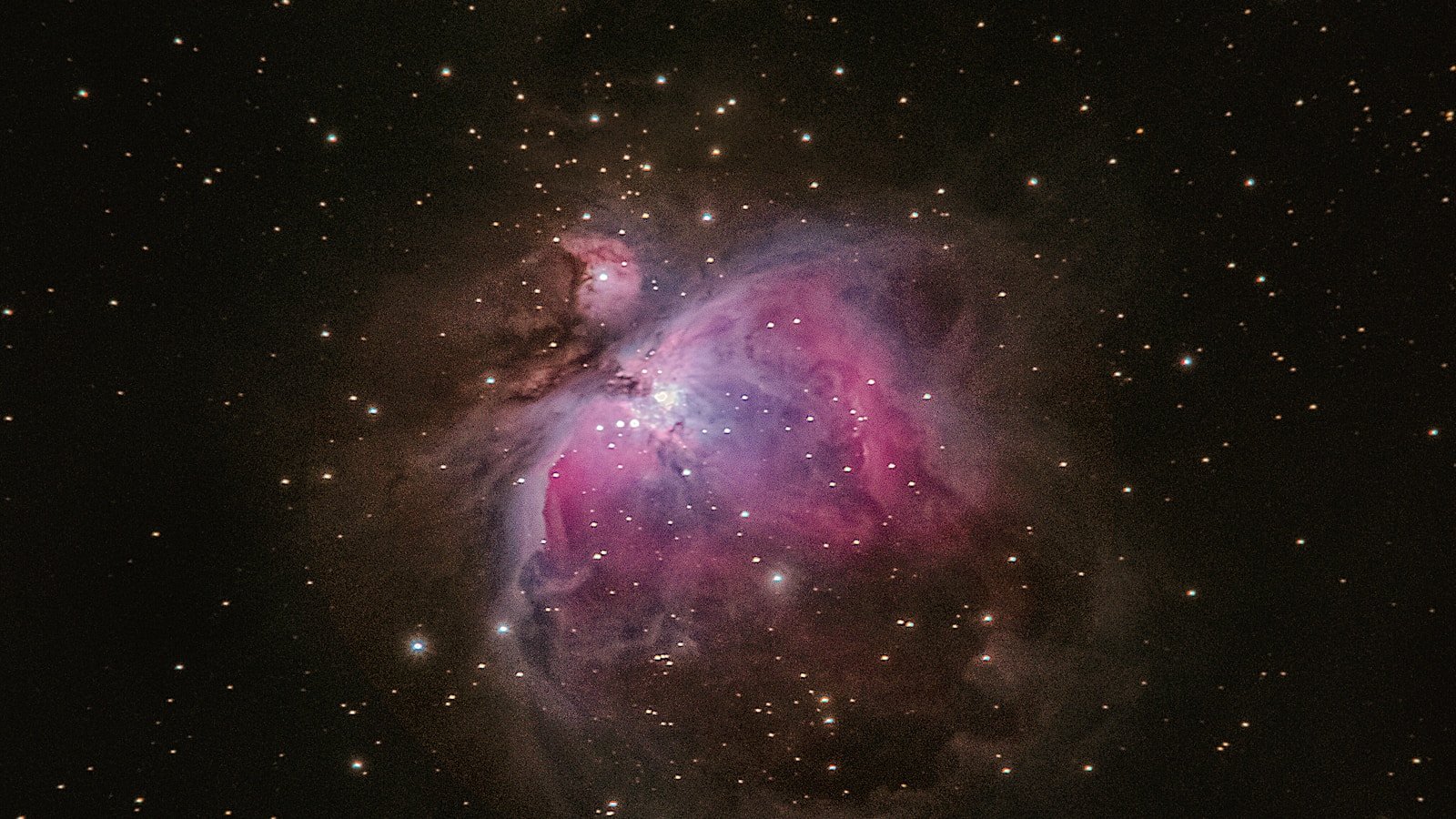
Image: FP Softlab
Calibration frames are the unsung foundation of astrophotography processing. They remove systematic noise and optical artefacts from your images before stacking, and skipping them is the single most common cause of poor results in beginner astrophotography.
This guide explains what each type of calibration frame does, how to capture them correctly, and when each one matters most.
Why calibrate at all?
Every raw astrophotography frame contains:
- Signal — light from your target (what you want)
- Noise — random variation (reduced by stacking)
- Systematic artefacts — fixed patterns that appear in every frame
Systematic artefacts include:
- Thermal noise (hot pixels, amp glow) — fixed for a given exposure length and temperature
- Vignetting — optical darkening toward the edges of the frame
- Dust shadows — dark spots from dust on the sensor or filter
Calibration frames measure these artefacts so they can be subtracted or divided out before stacking, leaving cleaner data.
The three types
Dark frames
What they are: Exposures taken with the lens cap on (no light reaching the sensor), at the same exposure length, ISO/gain, and temperature as your light frames.
What they capture: Thermal noise — hot pixels, amp glow, and the overall dark-current pattern.
How to use them:
- Take 20–50 dark frames at the same settings as your lights
- Stack them into a "master dark" (median combination removes random noise)
- Subtract the master dark from every light frame before stacking
When they matter most:
- Long exposures (>60 seconds)
- Warm ambient temperatures
- Cameras with significant amp glow (some DSLR models)
- Uncooled cameras
When you can skip them:
- Cooled astronomy cameras at consistent temperature (some imagers use dither + sigma rejection instead)
- Very short exposures with low thermal noise
Flat frames
What they are: Exposures of an evenly illuminated surface (e.g., a white T-shirt stretched over the telescope, a flat-field panel, or the twilight sky), taken at the same optical configuration as your lights (same focus, same filter, same camera orientation).
What they capture: Vignetting, dust shadows, and any uneven illumination across the field of view.
How to use them:
- Take 20–50 flat frames with consistent illumination (aim for ~40–60% of the histogram range)
- Stack into a "master flat"
- Divide every light frame by the master flat (after dark subtraction)
When they matter most:
- Always. Vignetting and dust shadows affect virtually every optical system.
- Especially critical when using narrowband filters (dust shadows become more prominent)
- Essential for mosaics (uneven edges make panel blending impossible)
When you can skip them:
- Rarely justified. Some imagers skip flats for quick snapshots, but quality always suffers.
Bias frames (offset frames)
What they are: The shortest possible exposure (often 1/4000 s or the camera's minimum) with the lens cap on. They capture the sensor's readout noise and electronic offset — the fixed "floor" signal present in every frame regardless of exposure.
What they capture: Read noise pattern and ADC offset.
How to use them:
- Take 50–100 bias frames at the same ISO/gain
- Stack into a "master bias"
- Subtract the master bias from your master flat before dividing (this prevents the flat calibration from introducing the bias signal into your data)
When they matter most:
- When using flats (always subtract bias from flats)
- When you want the cleanest possible calibration pipeline
- With CMOS cameras where the bias pattern is non-trivial
When you can skip them:
- If your stacking software supports "dark flats" (darks taken at the same exposure as your flats) — these substitute for the bias subtraction step
- Some modern cooled cameras have negligible bias patterns
The calibration pipeline
The standard calibration order is:
Light frame
  → Subtract master dark
  → Divide by (master flat − master bias)
  → Calibrated light frame
Or equivalently:
Master flat → Subtract master bias → Normalised master flat
Light frame → Subtract master dark → Divide by normalised master flat → Calibrated frame
Most stacking software (Siril, DeepSkyStacker, PixInsight) automates this pipeline. You simply point it at your lights, darks, flats, and bias folders.
How many frames do you need?
| Frame type | Minimum | Recommended | Purpose of more frames |
|---|---|---|---|
| Darks | 15 | 30–50 | Better noise averaging in master dark |
| Flats | 15 | 30–50 | Smoother master flat, less noise |
| Bias | 30 | 50–100 | Cleaner bias pattern (minimal cost — they are fast to capture) |
Practical tips
Darks
- Match temperature as closely as possible to your imaging session
- If you cannot match temperature, some software offers "dark scaling" — but matching is better
- Take darks at the end of your session while the equipment is still at ambient temperature
Flats
- Do not move the camera between lights and flats (or the dust pattern will not match)
- Use the same focus position and filter
- A flat-field panel or electroluminescent panel gives the most consistent results
- Twilight flats work well but require quick timing at the right brightness
Bias
- Temperature does not need to match (read noise is largely temperature-independent)
- You can build a library of bias frames and reuse them across sessions (at the same ISO/gain)
Common mistakes
| Mistake | Consequence |
|---|---|
| Darks at wrong temperature | Under- or over-correction of thermal noise |
| Flats at wrong focus or orientation | Dust shadows in wrong positions → artefacts |
| No flats at all | Vignetting darkens corners, dust shadows visible |
| Not enough calibration frames | Noisy master calibration files add noise to your data |
| Applying darks to flats | Wrong pipeline order — use bias for flats, not darks (unless using dark flats) |
When calibration matters most
The difference between calibrated and uncalibrated data is most obvious in:
- Narrowband imaging — dust shadows are magnified
- Mosaic panels — vignetting makes seamless blending impossible without flats
- Deep integrations — systematic artefacts that are invisible in single frames become prominent when stacking dozens of hours of data
Software support
All major stacking tools support the standard calibration pipeline:
| Software | Calibration support |
|---|---|
| Siril | Full (scripted pipeline available) |
| DeepSkyStacker | Full (GUI-driven) |
| PixInsight | Full (BatchPreProcessing script) |
| Astro Pixel Processor | Full (integrated pipeline) |
For a comparison of these tools, see the Stacking Software guide.
FP Softlab context
The FP Softlab deep-sky gallery includes images where careful calibration makes the difference between a clean result and one marred by artefacts. Proper calibration is non-negotiable for publication-quality work.