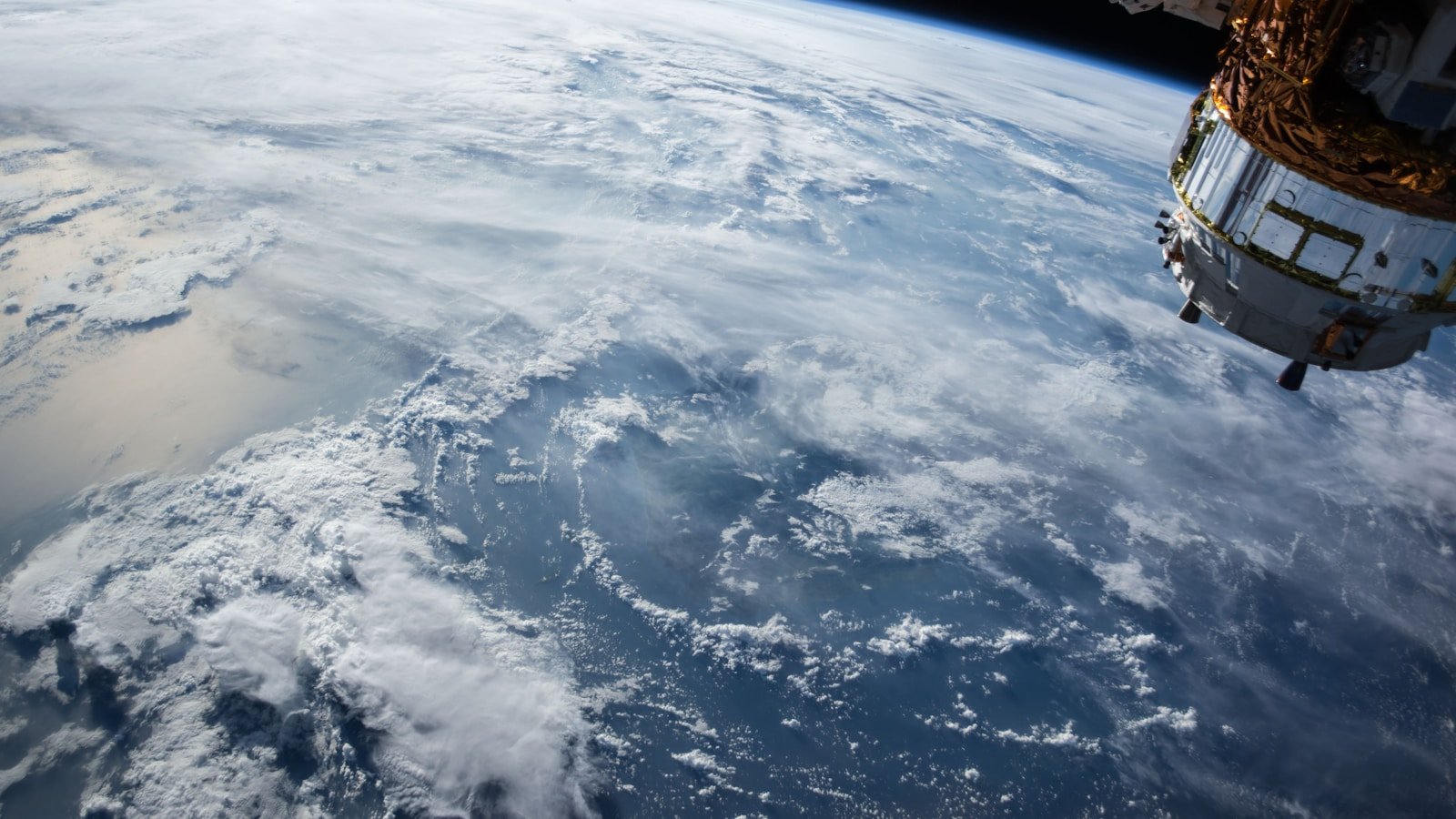
Image: NASA/JPL-Caltech
There has never been a better time to explore the solar system from your browser. Several tools — some from NASA, some from independent developers — let you visualise planets, moons, spacecraft, and star fields in real-time 3D without installing anything.
This guide compares the most practical options available in 2026 and explains what each tool is best suited for.
The landscape
| Tool | Type | Platform | Cost | Best for |
|---|---|---|---|---|
| NASA Eyes | Browser/app | Web, Windows, macOS | Free | Mission tracking, solar system exploration |
| Stellarium Web | Browser | Web | Free | Sky observation planning, constellations |
| Stellarium (desktop) | Desktop app | Windows, macOS, Linux | Free | Deep planetarium simulation, telescope control |
| Celestia | Desktop app | Windows, macOS, Linux | Free | Free-flight 3D exploration |
| WorldWide Telescope | Browser/desktop | Web, Windows | Free | Astronomical survey data, sky tours |
| FP Softlab tools | Desktop apps | Windows | Free | Focused single-body visualisation (Earth, Moon, Mars, etc.) |
NASA's Eyes on the Solar System
What it is
NASA Eyes is NASA JPL's flagship 3D visualisation platform. It runs in a modern web browser and provides real-time, scientifically accurate views of the solar system, active missions, near-Earth asteroids, and exoplanets.
Strengths
- Mission tracking: See the current position and trajectory of active NASA missions (Juno, Perseverance, JWST, etc.) using real ephemeris data
- Real-time accuracy: Positions are computed from the same SPICE kernels used by mission planners
- Multiple "experiences": Eyes on the Solar System, Eyes on the Earth, Eyes on Exoplanets
- No installation required (browser version)
- Excellent educational tool for classrooms and presentations
Limitations
- Requires a modern browser with WebGL support
- Surface detail on planets/moons is limited compared to dedicated rendering tools
- Cannot simulate telescope views or show constellation lines from an Earth-based perspective
- Not designed for observation planning
Best for
Understanding the current state of the solar system and active space missions in context.
Stellarium (Web and Desktop)
What it is
Stellarium is a free, open-source planetarium. The desktop version is one of the most feature-rich astronomical tools available. A lighter web version (Stellarium Web) provides basic sky-viewing functionality in a browser.
Strengths (desktop)
- Realistic sky simulation from any location on Earth, at any date and time
- Telescope control — can point a connected telescope to any object
- Deep catalogues — millions of stars, deep-sky objects, and solar system bodies
- Constellation art, grids, and overlays
- Plugin ecosystem for satellites, telescopes, oculars, and more
- Observation planning — simulate what will be visible tonight from your location
Strengths (web)
- Quick access, no installation
- Good enough for basic "what's in the sky tonight?" queries
Limitations
- Desktop version requires installation
- Web version is feature-limited compared to desktop
- Not designed for deep 3D space exploration (it simulates the sky as seen from Earth, not free-flying through space)
Best for
Planning observation sessions, identifying objects in the sky, and teaching constellations and sky mechanics.
Celestia
What it is
Celestia is a free, open-source 3D space simulation that lets you fly freely through the universe. Unlike Stellarium (which simulates the sky from Earth), Celestia lets you travel to and orbit any body in the solar system and beyond.
Strengths
- True free-flight — approach any planet, moon, asteroid, or star from any angle
- Extensible — community add-ons provide additional bodies, textures, and spacecraft models
- Accurate orbits — uses real orbital elements for solar system bodies
- Scale demonstration — excellent for understanding distances and sizes
Limitations
- Desktop only (no browser version)
- Visual quality depends heavily on installed add-on textures
- Interface is dated compared to modern web tools
- Not maintained as actively as it once was
Best for
Exploring the solar system and galaxy from a "spacecraft" perspective, scale demonstrations.
WorldWide Telescope (WWT)
What it is
WorldWide Telescope is a Microsoft-originated (now American Astronomical Society-maintained) tool for exploring astronomical survey data. It runs in a browser and as a Windows application.
Strengths
- Survey data integration — overlays data from major sky surveys (SDSS, 2MASS, WISE, etc.)
- Guided tours — narrated tours of astronomical topics
- Research-grade data access — useful for astronomers and educators
- All-sky views — pan and zoom across the entire sky in multiple wavelengths
Limitations
- Less focused on real-time solar system exploration than NASA Eyes
- Windows app is more capable than the web version
- Community is smaller than Stellarium's
Best for
Exploring astronomical survey data, creating educational tours, and multi-wavelength sky exploration.
FP Softlab's classic tools
FP Softlab's Earth3D, Moon3D, Mars3D, Jupiter3D, Saturn3D, and Galaxy3D represent a focused approach: each tool provides a dedicated, interactive 3D visualisation of a single body or system.
Strengths
- Focused — each tool does one thing well
- Lightweight — minimal system requirements
- Free — all tools are freeware
- Educational — good for studying individual bodies in detail
Limitations
- Windows only (classic desktop applications)
- Not browser-based
- Limited to pre-loaded data
Best for
Focused exploration of individual planetary bodies, educational demonstrations, and complementing the broader tools listed above.
See the FP Softlab products page for the full list and download page for installation information.
Choosing the right tool
| I want to... | Use |
|---|---|
| See where Juno or JWST is right now | NASA Eyes |
| Plan tonight's observation | Stellarium (desktop or web) |
| Fly to Saturn and orbit its rings | Celestia |
| Explore survey data in multiple wavelengths | WorldWide Telescope |
| Study the Moon's surface in 3D | Moon3D (FP Softlab) or NASA Moon Trek |
| Show students how big the solar system is | Celestia or NASA Eyes |
| Identify a planet in the sky | Stellarium |